Clay;
Work
Play
About
Resume ↗
LinkedIn ↗
Overview
McAfee VPN revamp
McAfee's VPN is one of many security tools, often bundled in protection plans. Over time, the tool had fallen behind as updates rolled out to newer products, and was not being maintained by a dedicated team.
To address long-standing pain points and it's outdated MVP, I assisted with early research, feature planning, and end-to-end designs.
assisted with early research, feature planning, contributing new components to our design system, collaborating with inside and outside stakeholders, and built functioning prototypes and demos for leadership shareouts.
Year
Nov—Jan 2024
Role
Product Designer
Team
Susanna Huang
Nina Wang
Jeffrey Jose
Jen Barrell
Senior designer
Product designer
Researcher
Content designer
Overview
McAfee VPN revamp
McAfee's VPN is one of many security tools, often bundled in protection plans. Over time, the tool had fallen behind as updates rolled out to newer products, and was not being maintained by a dedicated team.
I assisted with early research, feature planning, contributing new components to our design system, collaborating with inside and outside stakeholders, and built functioning prototypes and demos for leadership shareouts.
Credits
Susanna Huang
Nina Wang
Jeffrey Jose
Jen Barrell
Senior designer
Product designer
Researcher
Content designer
Deliverables
Design documentation
Component Creation
Prototyping
Workshop Facilitator
Year
Nov—Jan 2024
Context
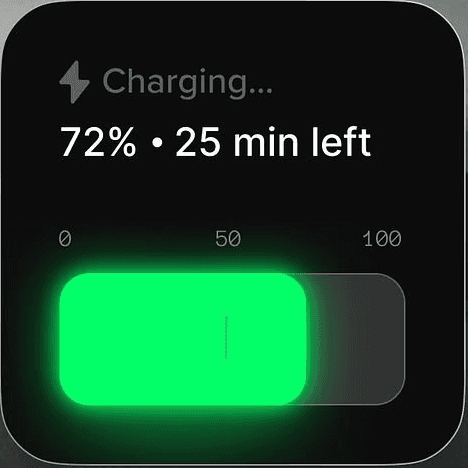
VPNs are used to mask your location, and keep online activity private
It's like driving a car with tinted windows.
A VPN acts like a digital disguise; it takes your internet request, scrambles it into a secret code, and sends it through a private "tunnel" to a remote server.
Without a VPN on an unsafe network—like public Wi-Fi at a cafe or airport—you are broadcasting your digital activity, allowing anyone else on that same network to intercept and steal your login credentials, credit card numbers, or private messages as they travel between your device and the router.
Name: Clayton Harding
IP Address: 2948JHDD387
UNKNOWN USER
Problem
First timers struggled to understand what the VPN does to protect them
Without seeing immediate value, users would stop engaging with the tool
"It's on, but nothing happened, is it doing something?"
VPN is still one of 13 security tools McAfee includes in their protection plans, so
To the general public, VPNs are still relatively unknown tech, so when anyone stumbles into the tool, it's likely their first time interacting with a VPN.
Since this is part of a bigger ecosystem, the time we have to educate, onboard and show immediate value proved to be our biggest challenge we faced.

Research
How did simplicity backfire?
How did simplicity backfire? It's literally an ON/OFF switch.
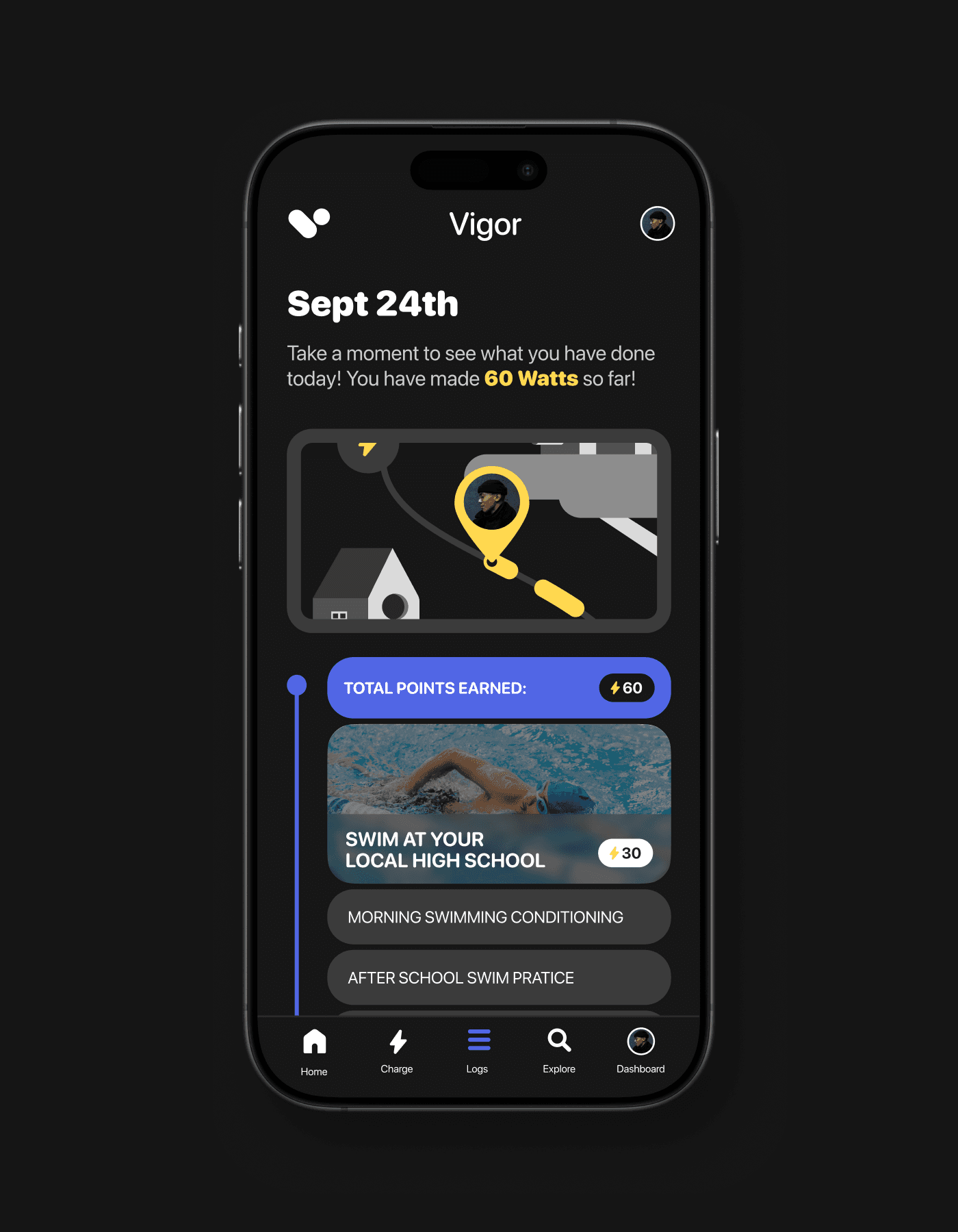
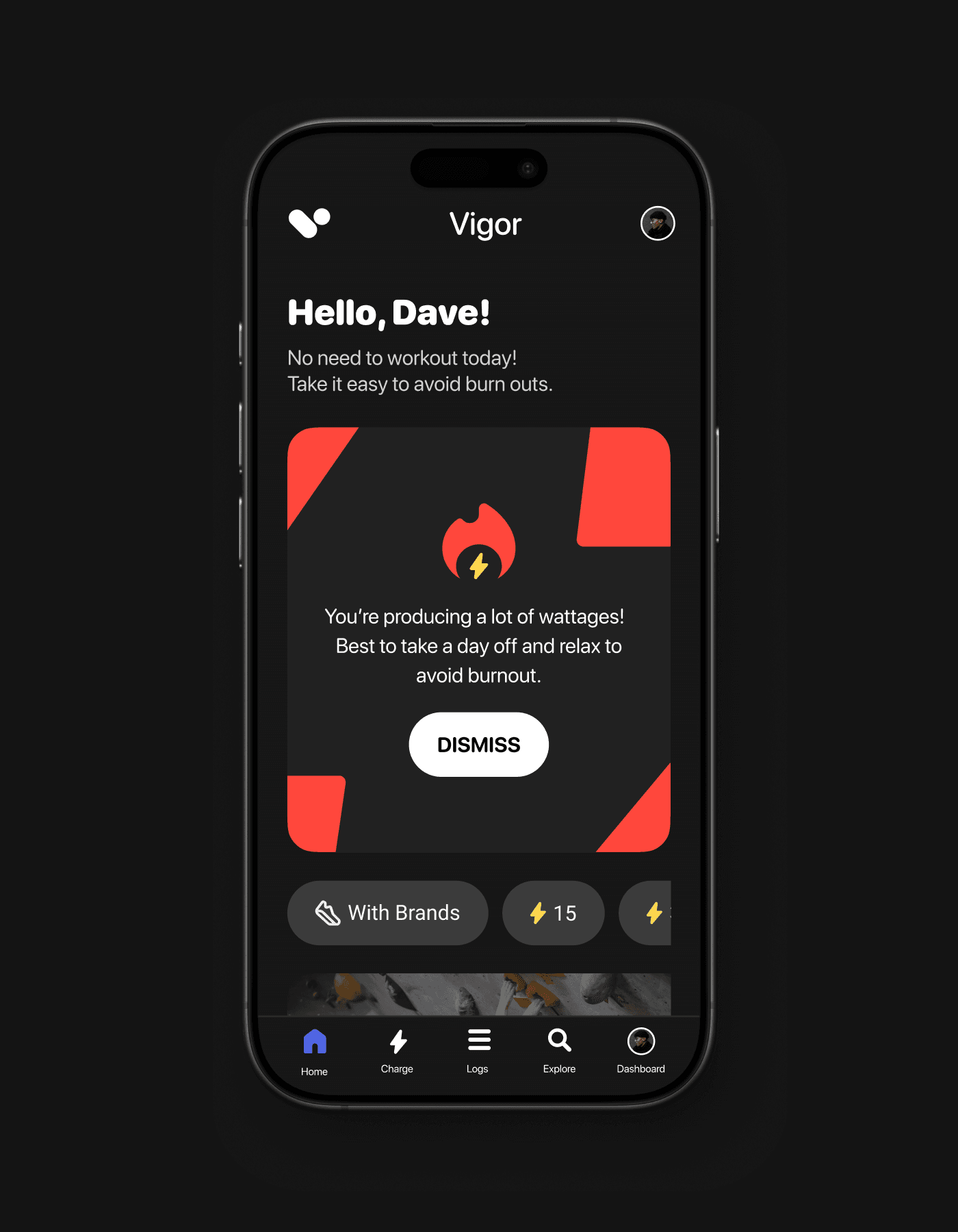
I conducted a high-level audit to familiarize myself with the tool, documenting personal pain points and then comparing with old user interviews.
No onboarding, no education
We literally don't have it, it's not common language, we need to walk people through it. hard to show value if you don't know what it's doing.
Seeing isn't always believing - is it really "On"?
LOREM
Users don't know when to turn it on - it's just always there.
Is there a reason to turn it off? This makes it feel even more useless.
Hiding complex features upset power users
LOREM
Research
How did simplicity backfire?
Lorem ipsum dolor sit amet, consectetur adipiscing elit, sed do eiusmod tempor incididunt ut labore et dolore magna aliqua. Ut enim ad minim veniam, quis nostrud exercitation ullamco laboris nisi ut aliquip ex ea commodo consequat. Duis aute irure dolor in reprehenderit in voluptate velit.
No onboarding, no education
We literally don't have it, it's not common language, we need to walk people through it. hard to show value if you don't know what it's doing.
Seeing isn't always believing - is it really "On"?
Lorem ipsum dolor sit amet, consectetur adipiscing elit, sed do eiusmod tempor incididunt ut labore et dolore magna aliqua.
Users don't know when to turn it on - it's just always there.
Is there a reason to turn it off? This makes it feel even more useless.
Hiding complex features upset power users
Duis aute irure dolor in reprehenderit in voluptate velit esse cillum dolore eu fugiat nulla pariatur. Excepteur sint occaecat cupidatat non proident
We literally don't even have proper onboarding, after we get your money we ditch you to fend for yourself
Unlike security software that shows what dangers they stopped, VPNs work by making you invisible to threats, making it difficult to show their value.
Over time, we hypothesize users will instinctively turn on their VPN when a connection feels unsafe.

We sat down with TunnelBear and looked at other VPNs to identify patterns we could use
We saw stuff like animations, guided onboarding but their advanced features were still complex to understand - so we saw value in using metaphors to explain complex features.
I can show TunnelBear animations
broader visual on the language
and we can show 1 screen for coach marks or something
Early designs
Sketching ui as a group clarified our components and layout.
I challenged my negative bias against sketching.
Sketching isn't normally part of my workflow, but it's a great tool to work more collaboratively with non-designers who aren't comfortable with Figma, letting everyone contribute their ideas.

4 rounds of sketches later and we had our winning layout
This was important when helping our team align on the overall look and feel. After each round we voted on ideas that made the most sense and discussed how to combine or tweak those concepts into the final deliverable.
In the end, It clearly influenced our final designs.
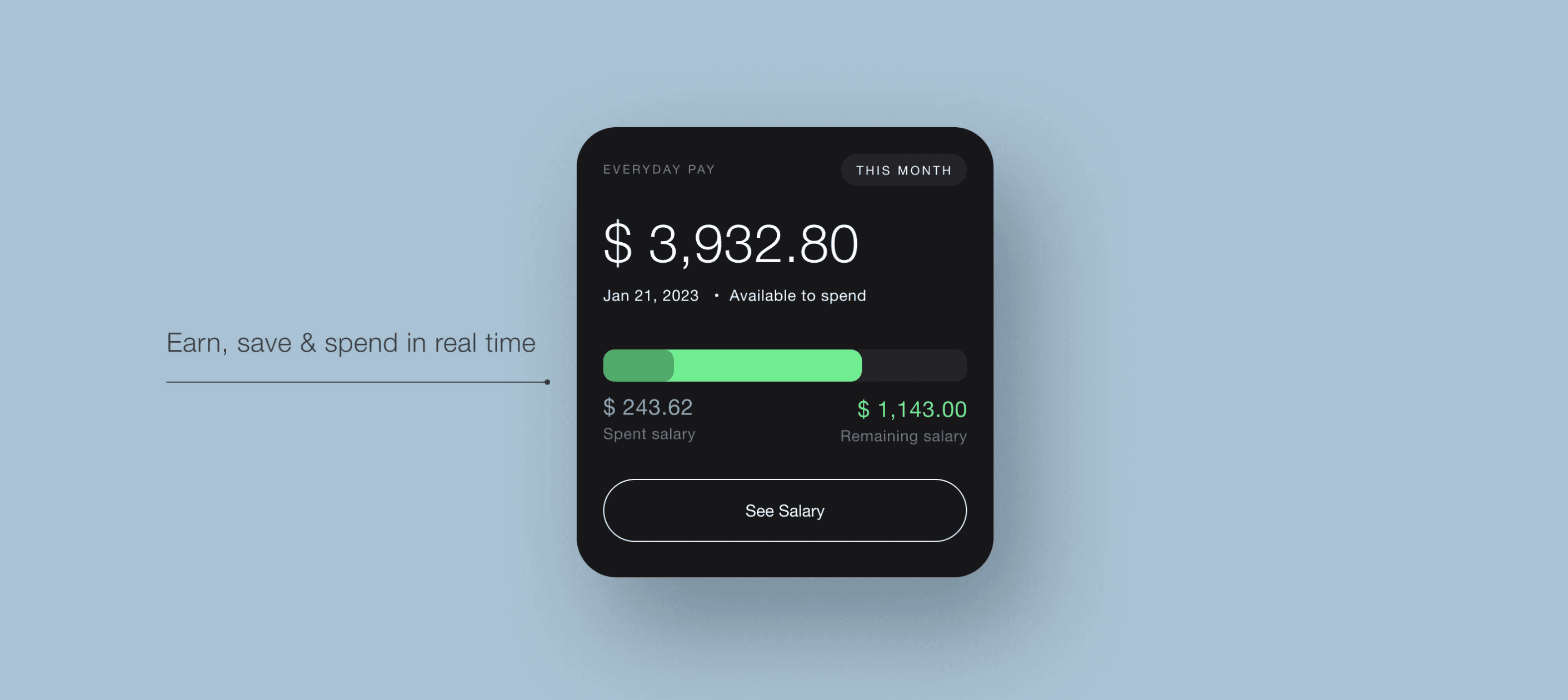
Set up for success with new onboarding
With the new onboarding, the first time a user connects it's a perfect success
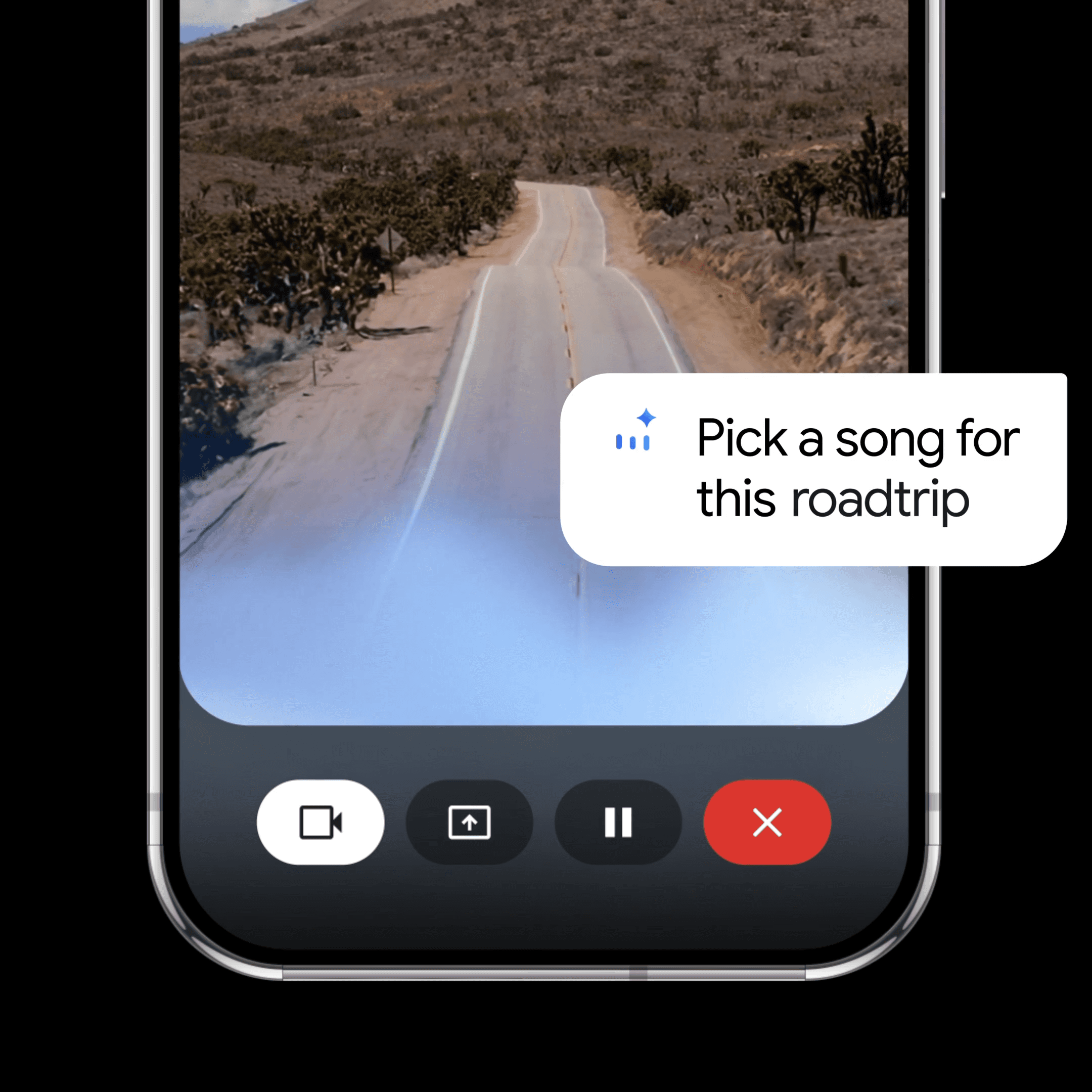
Detecting danger first, and training behavior
Sending notifications the moment we detect unfamiliar wi-fi
Motion makes it feel alive
Before it was just a light switch like an option in settings. But with a little motion it gives a totally different vibe
Lorem ipsum dolor sit amet, consectetur adipiscing elit, sed do eiusmod tempor incididunt ut labore .
1/3
How we tightened up the motion, spotlight the fun features in these sections
Unlike security software that shows what dangers they stopped, VPNs work by making you invisible to threats, making it difficult to show their value. Duis aute irure dolor in reprehenderit in voluptate velit esse cillum dolore eu fugiat nulla pariatur. Excepteur.

1/3
How we tightened up the motion, spotlight the fun features in these sections
Unlike security software that shows what dangers they stopped, VPNs work by making you invisible to threats, making it difficult to show their value. Duis aute irure dolor in reprehenderit in voluptate velit esse cillum dolore eu fugiat nulla pariatur. Excepteur.
1/3
How we tightened up the motion, spotlight the fun features in these sections
Unlike security software that shows what dangers they stopped, VPNs work by making you invisible to threats, making it difficult to show their value. Duis aute irure dolor in reprehenderit in voluptate velit esse cillum dolore eu fugiat nulla pariatur. Excepteur.
REFLECTION
Despite the internal hype, priorities changed and the revamp was shelved. But my learnings shipped.
Everyone hates reading, but they love conversations.
Balancing what we as a business want users to know V.S what a user actually wants to know is a difficult line. This project helped me learn how to use metaphors on boring language into legible content.
Sketching is for starting discussions, not beauty contests.
I typically jump into higher fidelity, but if I need to align a team on layout and abstract concepts, I’m now confident in running a workshop to rapid-fire ideas and align stakeholders from other teams.
© 2025 Clayton Harding
Reading this was a test. You passed ツ