
Overview
It shouldn't be a mystery to know if you're safe online
McAfee's VPN is one of many security tools, often bundled in protection plans. Over time, the tool had fallen behind as updates rolled out to newer products, and was not being maintained by a dedicated team.
I assisted with early research, feature planning, contributing new components to our design system, collaborating with inside and outside stakeholders, and built functioning prototypes and demos for leadership shareouts.
Timeline
Nov—Jan 2024
Device
iOS mobile app
Credits
Susanna Huang
Nina Wang
Jeffrey Jose
Jen Barrell

What's a VPN?
VPNs mask your location, and keep online activities private
Think of it like you're driving a car with tinted windows
A VPN (Virtual Private Network) takes your internet request, scrambles it into an encrypted code, and sends it through a private "tunnel" to a remote server.
Without a VPN on an unsafe network, like public Wi-Fi at a cafe or airport, you're broadcasting your online activities, allowing anyone else on it intercept things like login credentials, credit card numbers, or private messages.
What's a VPN?
VPNs mask your location, and keep online activities private
A VPN (Virtual Private Network) takes your internet request, scrambles it into an encrypted code, and sends it through a private "tunnel" to a remote server.
Without a VPN on an unsafe network, like public Wi-Fi at a cafe or airport, you're broadcasting your online activities, allowing anyone else on it intercept things like login credentials, credit card numbers, or private messages.
Lack of product education
We explain what a VPN does only before purchase. After that, it's unclear how to select a server, what to do after turning it on and when you should turn it off.
How do I troubleshoot?
Your connection could be blocked for many reasons, and when coming back to the app, your only option is to turn it off and on again.
Hidden features
Advanced customization options are hidden several layers deep in settings.
Poor visual feedback
When turned on, there's no visual change to the browsing experience, which makes it feel like you're no safer than you were without it.
Signing into bank account
on public Wi-Fi

VPN client packages
and encrypts the data
IP address
192.168.1.1
Device
MacBook Air
Password
easy123
Internet provider carries
the encrypted data
"Onlookers" see a scrambled mess
instead of sensitive info

VPN server unpackages
the encrypted data

Problem
Users didn't know what our VPN did or when to use it
When turning their VPN on for the first time and seeing no immediate value, they abandon the tool
The general population aren't familiar with VPNs yet, so they fill in the gaps with their own assumptions about what it should do. When it doesn't match those assumptions, they feel cheated and opt not to renew their subscription.
Being 1 of 13 tools in the ecosystem we only get a short window to educate, onboard, and prove it's value. This is how it felt
Research
How did simplicity backfire?
After auditing the experience, and synthesizing 200+ support tickets, I grouped common pain points that were high impact and realistic within our time frame.
Lack of product education
We explain what a VPN does only before purchase. After that, it's unclear how to select a server, what to do after turning it on and when you should turn it off.
How do I troubleshoot?
Your connection could be blocked for many reasons, and when coming back to the app, your only option is to turn it off and on again.
Hidden features
Advanced customization options are hidden several layers deep in settings.
Poor visual feedback
When turned on, there's no visual change to the browsing experience, which makes it feel like you're no safer than you were without it.

Make this flow shrunk, and add screens on the 2 highlighted bits with highlights on the problematic stuff. Maybe split into 2 flows, "education / purchase" and In product issues.
OR show the same flow, but highlighting different parts with the primary screen under it with the pain points called out again pointing to the issue.
Sitting down with TunnelBear to see how they closed the knowledge gap
VPNs applications are all pretty similar, basically being a big button,so I looked at unique ways TunnelBear built a memorable experience.
WHAT I LEARNED:
Language matters, put it in words a human can understand
How to show proof, without hard metrics (motion, reinforcing the idea of safety)
Information is always availible on website, youtube and in app

Hypothesis + design principles
Over time, we anticipate users will instinctively recognize when to turn on their VPN when they feel unsafe. "This airport WI-FI seems sketchy, I should turn on my VPN, just in case"
Principles
Since knowledge is low, education should be present everywhere, holding their hand at every step from intro, to setup, to their first activation.
Proactive notifications not only catch problems before they happens, but train the users awareness of safe vs unsafe networks. Also can fix broken connections or troubleshoot when a site blocks it.
Motion shows activity, we can't prove its working through metrics, but we can show it's working through movement.
Hypothesis
Over time, we hypothesize users will instinctively turn on their VPN when a connection feels unsafe. "This airport WI-FI seems sketchy, I should turn on my VPN, just in case"
Hypothesis
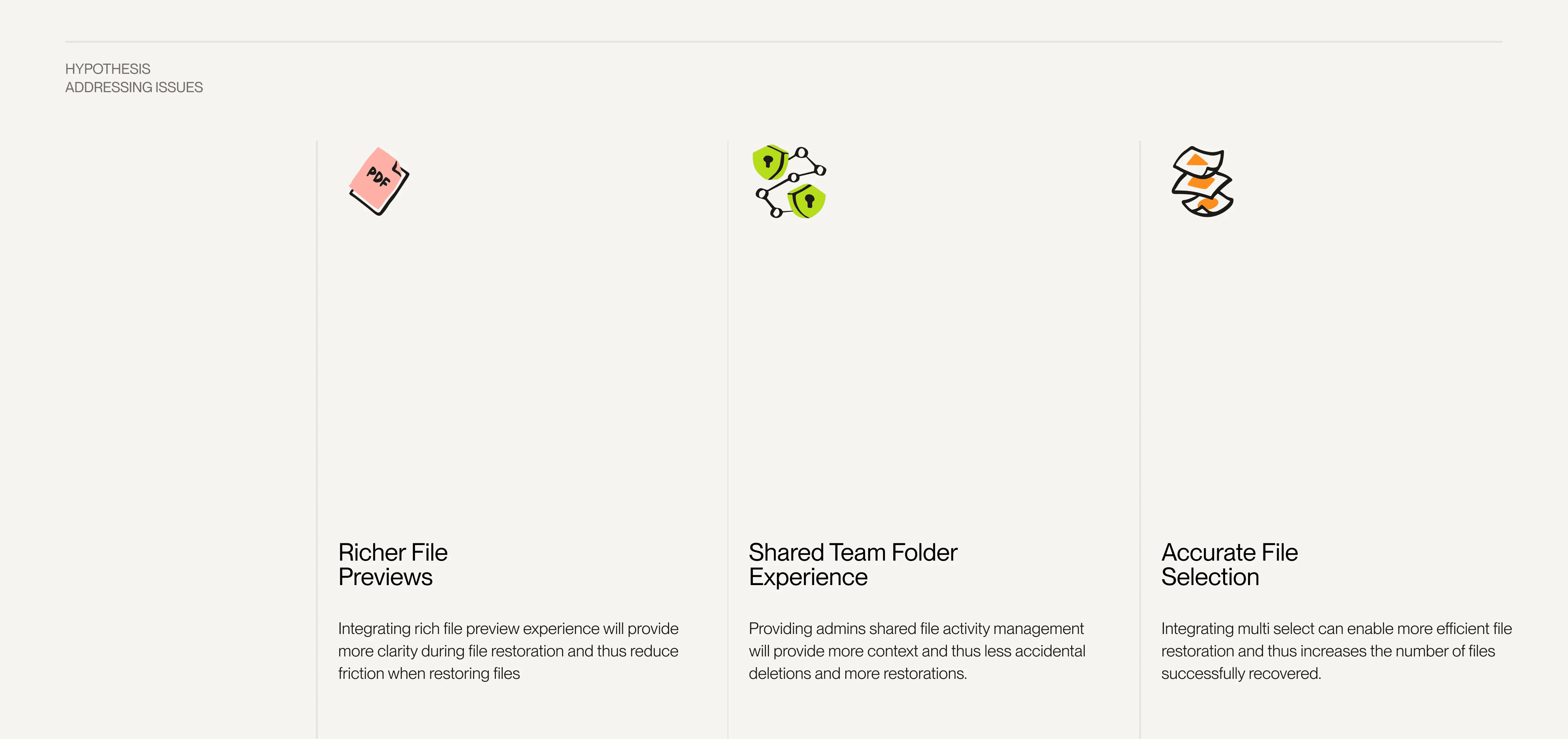
With my insights, I made 4 guiding principles to keep our team aligned.
Reading through 200+ support tickets and my own experience using the tool, I grouped the most common pain points that we could realistically take on.
In order for that to be true, we need our product to:

Lack of product education
Education is present at every step from the moment they purchase up to their first activation.
How do I troubleshoot?
Proactive notifications not only catch problems before they happens, but train the users awareness of safe vs unsafe networks. Also can fix broken connections or troubleshoot when a site blocks it.
Education is present at every step from the moment they purchase up to their first activation.
Lack of product education
Lack of product education
Education is present at every step from the moment they purchase up to their first activation.

Education at every step
From onboarding to the first activation, we need to hold their hand every step of the way.
Proactive, not reactive
Before connecting to an unsafe network or troubleshooting, we should be the first to know
Human language
Keeping language short and avoiding industry terms to promote reading
Move it - move it
From onboarding to the first activation, we need to hold their hand every step of the way.
Early Designs
Group sketching clarified our components and layout.
Challenging my negative bias against sketching
Sketching isn't normally part of my workflow, but it turned out to be a great way to collaborate with non-designers who aren't comfortable with Figma, giving everyone an easy way to contribute.
After each round of sketching we presented our ideas with rationale, which let us build directly on each other's thinking and move through iterations fast since everyone stayed on the same page.

Design decisions
Education at every step
This is where I can show ALL the education.
Coach marks
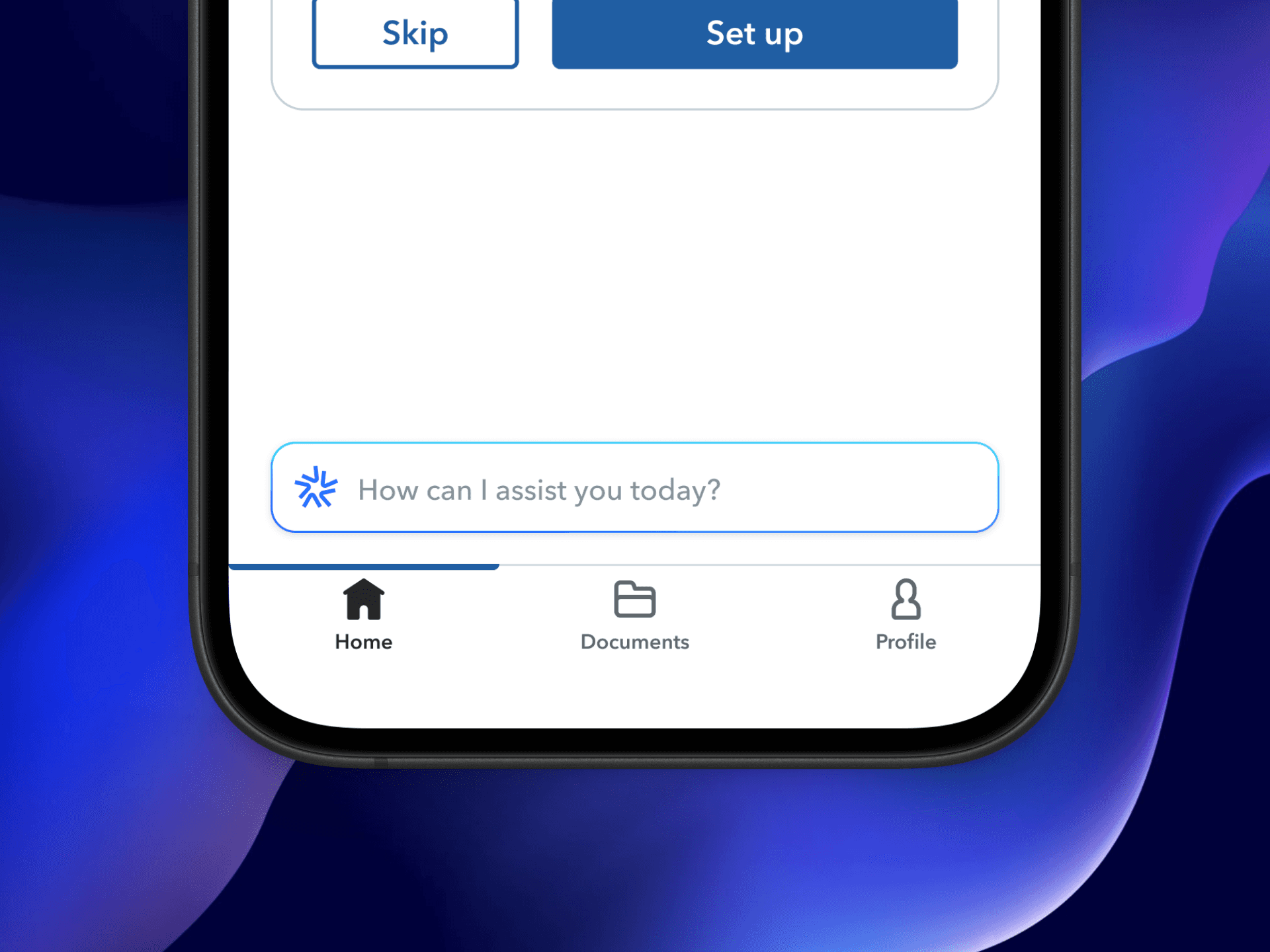
Onboarding you can skip
Quick set up guides for advanced features
When you connect-what we're doing
Proactive not reactive
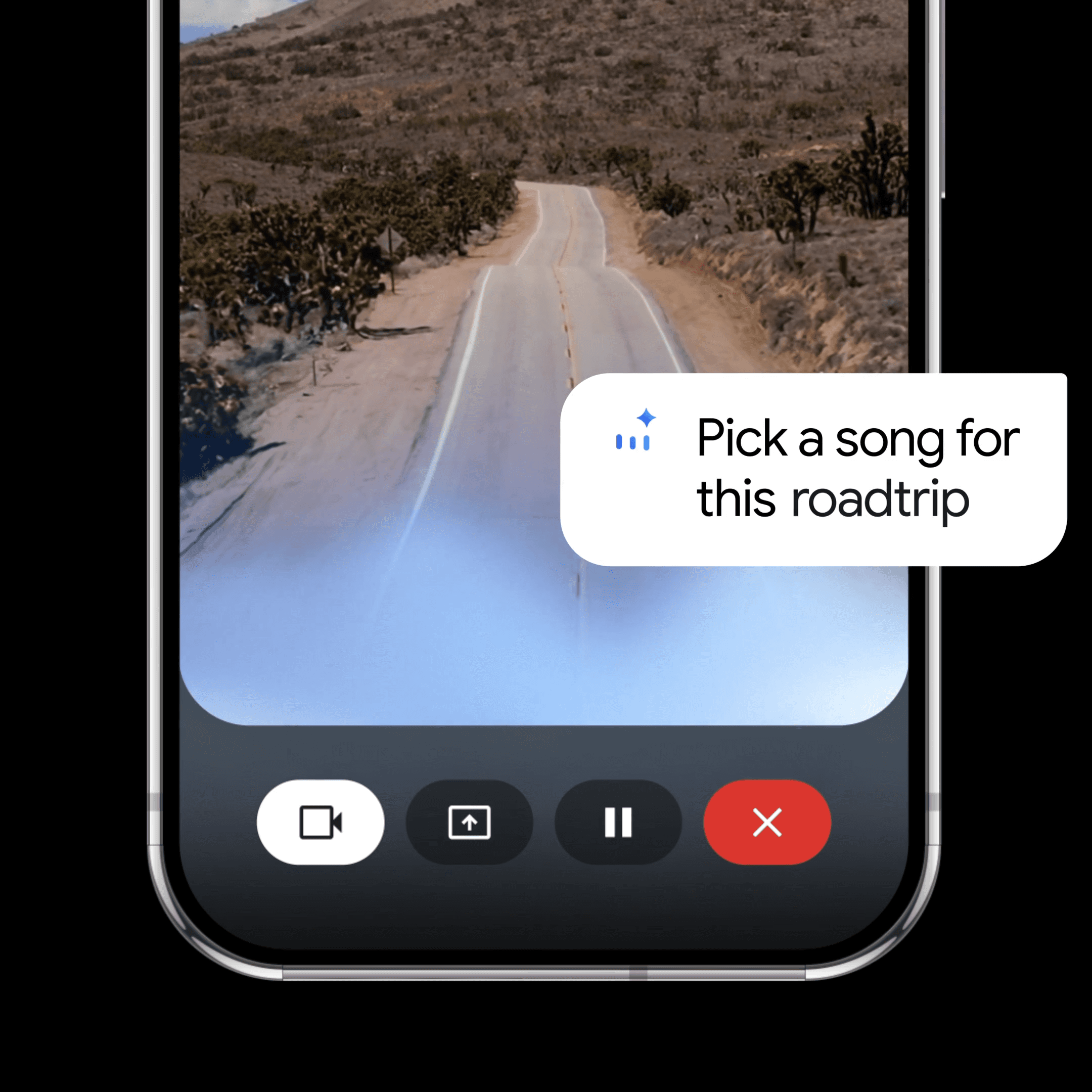
Sending notifications the moment we detect unfamiliar wi-fi.
If you have to troubleshoot, we do it for you
Motion makes it feel alive
Before it was just a light switch like an option in settings. But with a little motion it gives a totally different vibe
Lorem ipsum dolor sit amet, consectetur adipiscing elit, sed do eiusmod tempor incididunt ut labore .

Testing
Micro-copy matters
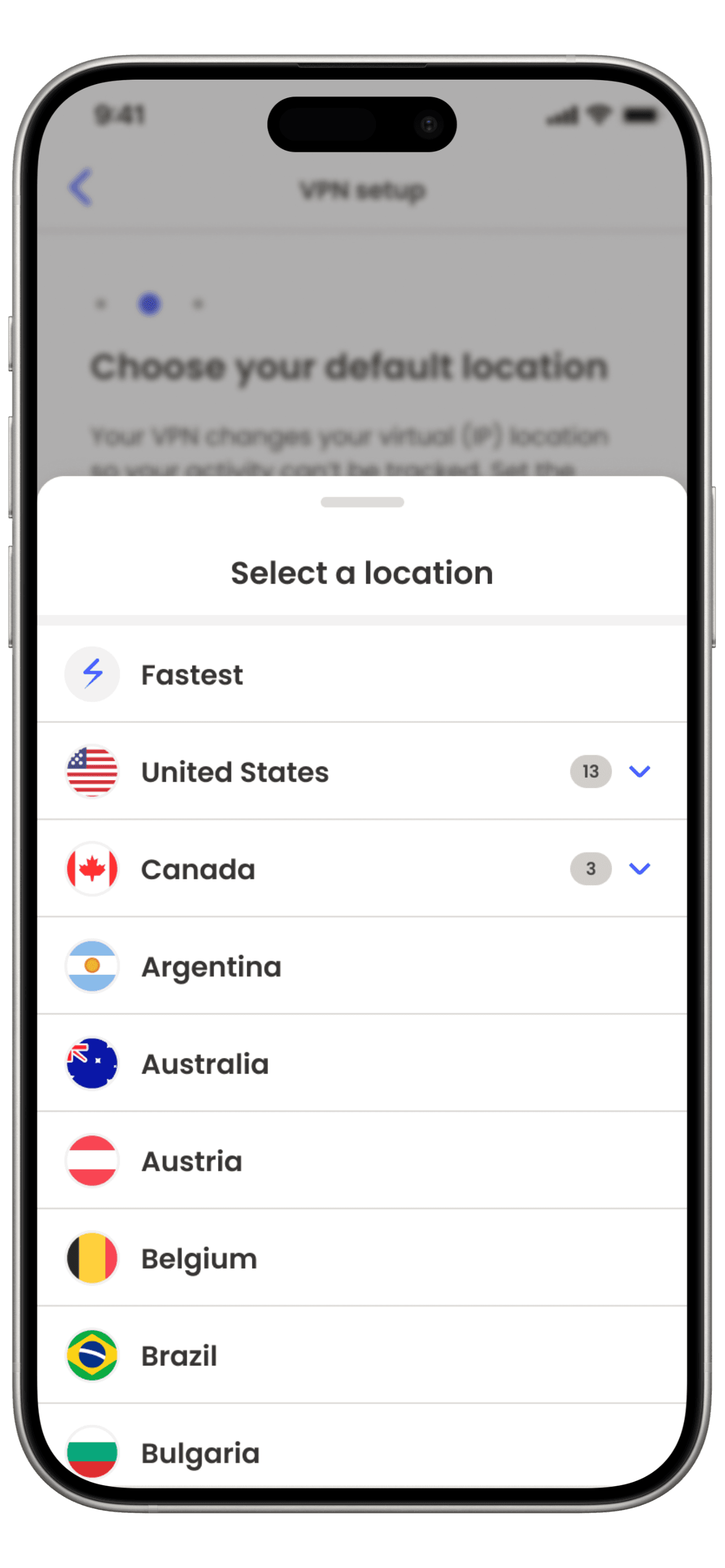
It wasn't clear what "fastest" meant. But we did see people complete onboarding and retain info, matching our model
The general public don't fully understand VPNs yet, so they fill in the gaps with their own assumptions about what it should do. When it doesn't match those assumptions, they feel cheated and opt not to renew their subscription.
Being 1 of 13 tools in the ecosystem we only get a short window to educate, onboard, and prove it's value. This is how it felt
"This is a customer quote that explains what they thought fastest meant and assumed incorrectly"
Reflection
Despite the internal hype, priorities changed and the revamp was shelved.

In my research, ETC Missing parts, hidden features and an oversimplified UI that killed engagement that all contributed to the product failure
Write like a human, not a business
Balancing what we as a business want users to know V.S what a user actually retains is a difficult line. This project helped me learn how to use metaphors on boring language into legible content.
Sketching isn't a waste of time
If I find myself needing to align a team on layout and abstract concepts, I feel confident that I can use sketch workshops now confident in sketching to rapid-fire ideas and align stakeholders from other teams.
Building for trust
I recognize that designing to earn trust is a slow process and cannot be tracked via a single metric but rather by a combination of design empathy and user vulnerability.
Up next
Teaching Slack your work lingo
© 2025 Clayton Harding
Reading this was a test. You passed ツ