Clayton Harding
Work
Play
About
Resume ↗
LinkedIn ↗
TOOLS
Framer
Figma
TIMELINE
Nov—Jan 2024
Media
visit the website
Overview
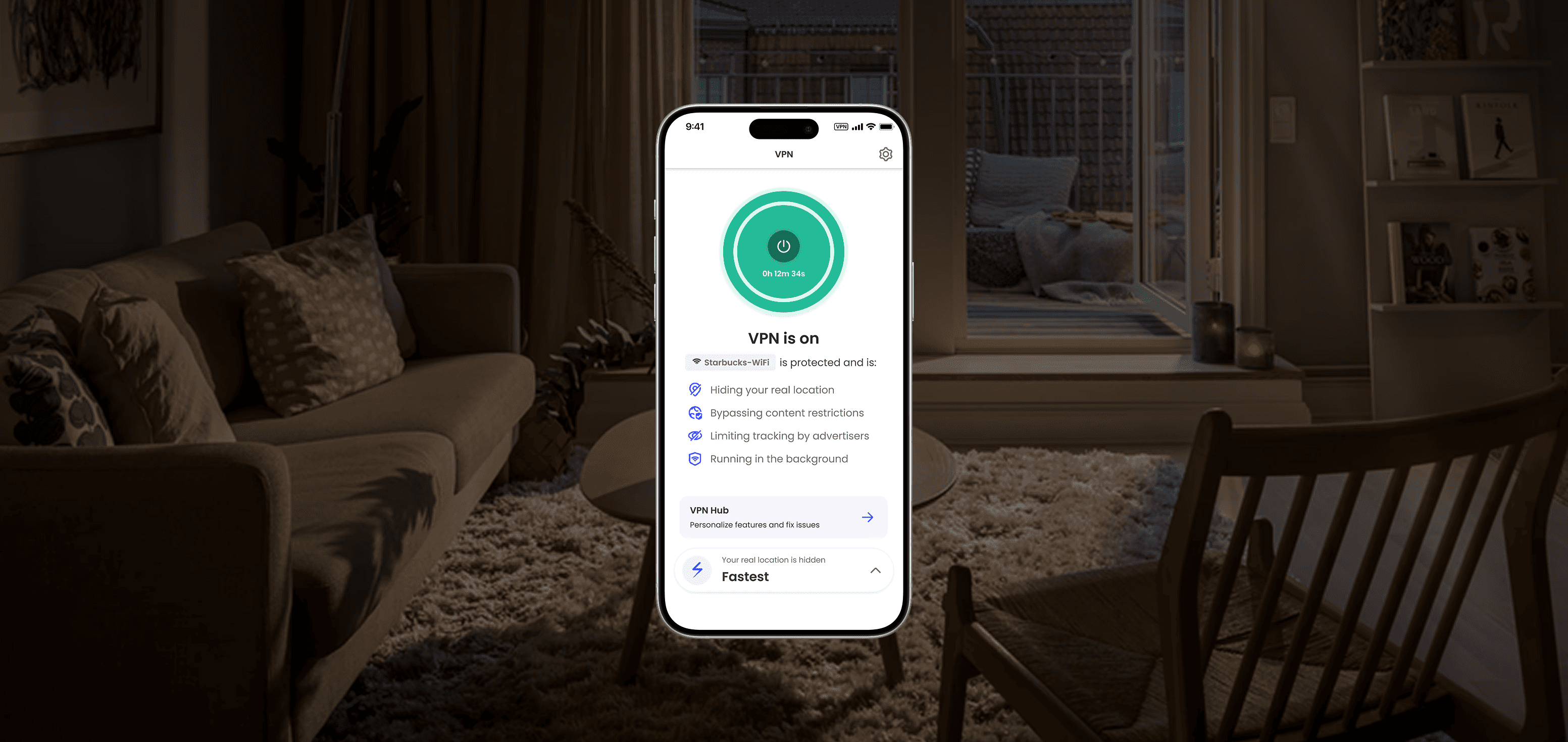
McAfee's VPN is one of many security tools, often bundled in protection plans. Over time, the tool had fallen behind as updates rolled out to newer products, and was not being maintained by a dedicated team.
My role
To address long-standing pain points and it's outdated MVP, I assisted with early research, feature planning, and end-to-end designs.
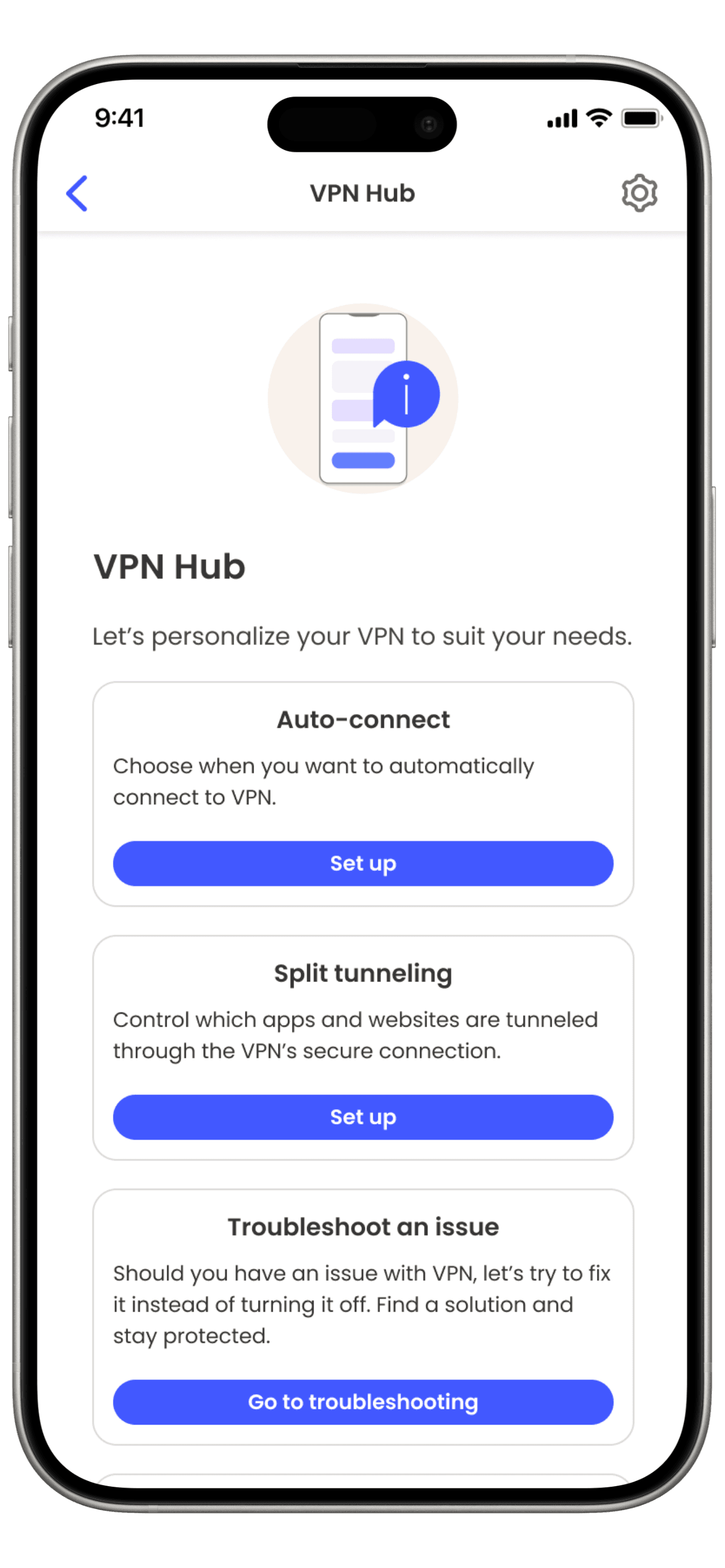
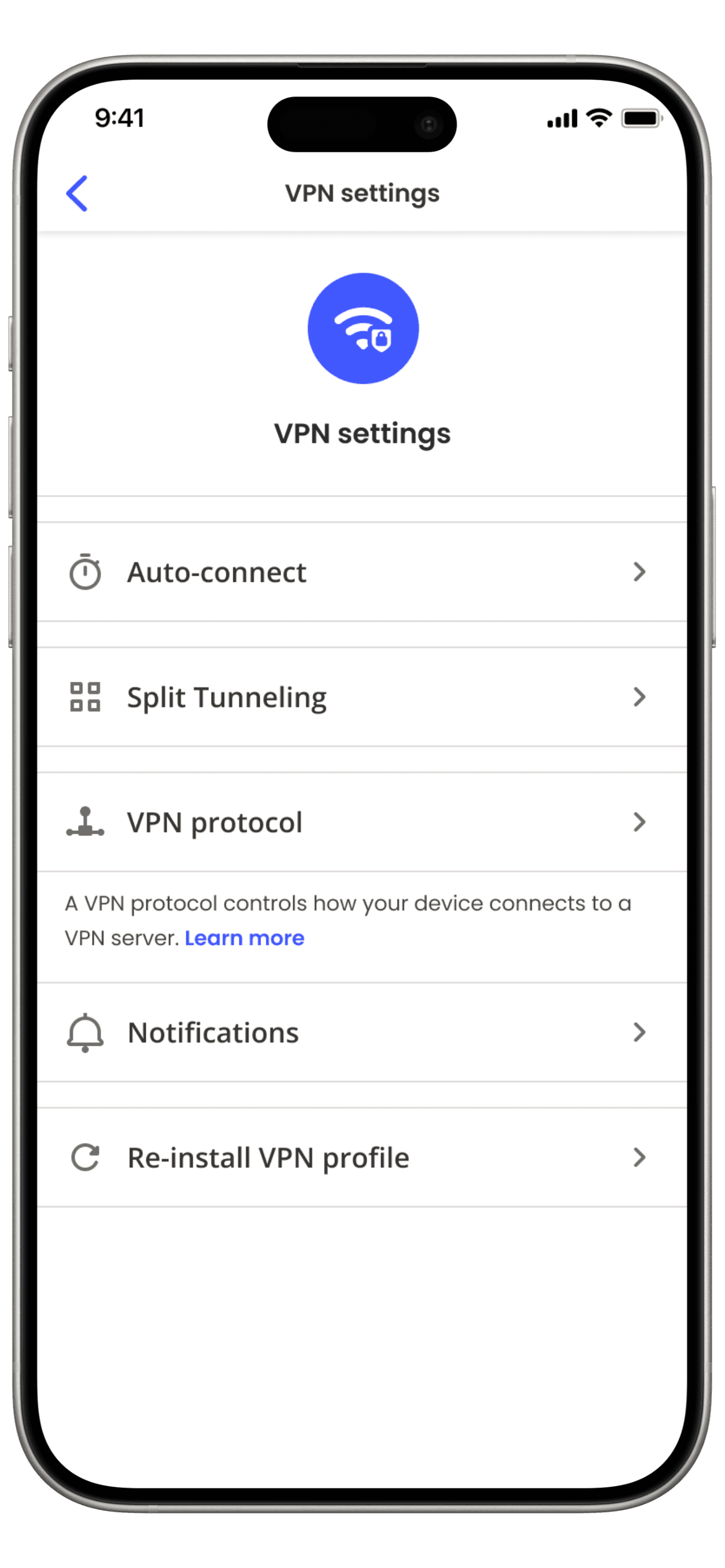
PROBLEM
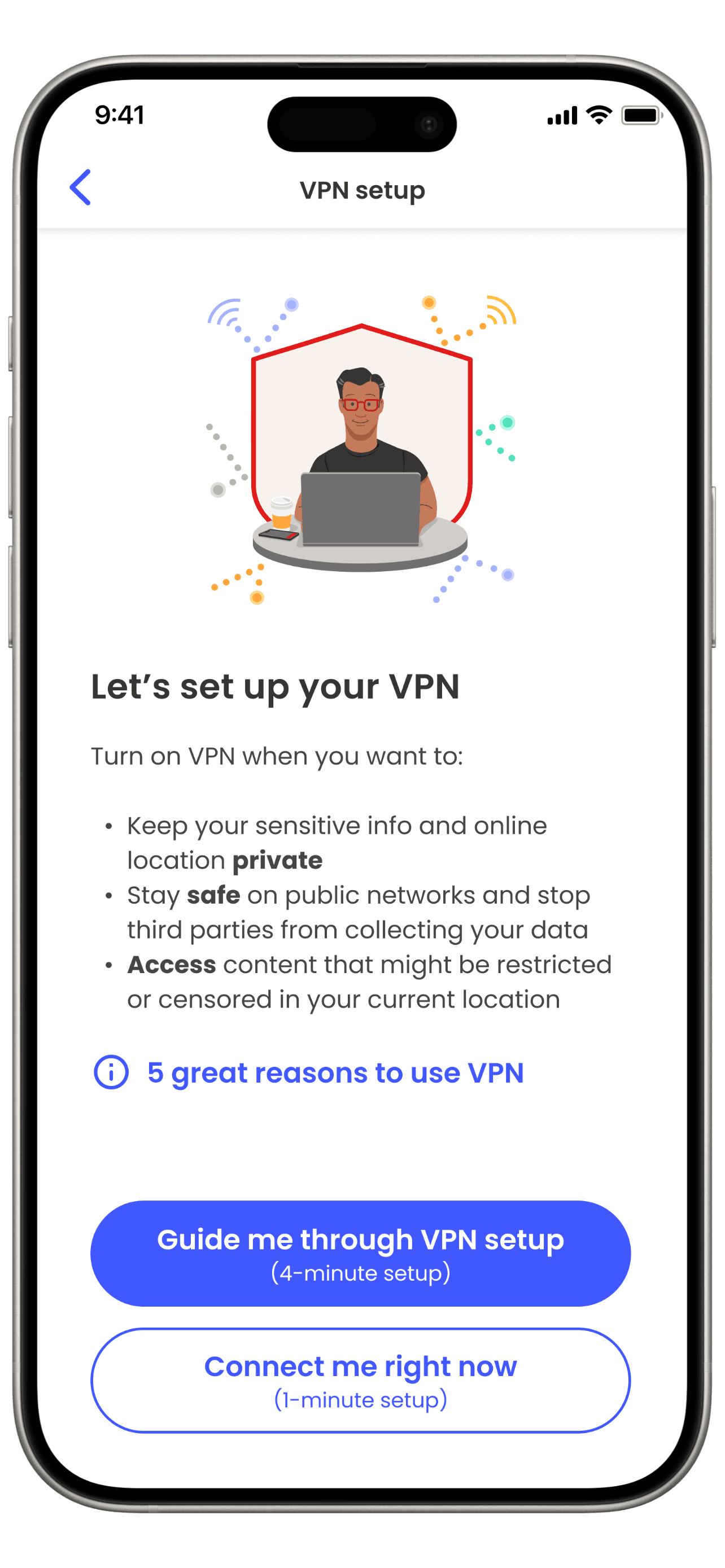
It's not clear what a VPN is, what it does or when to use it
"It's on, but nothing happened, is it doing something?"
Unlike security software that shows what dangers they stopped, VPNs work by making you invisible to threats, making it difficult to show their value.
Without a clear purpose, we saw a decline in users renewing their VPN subscription
OPPORTUNITTY
We need to better communicate how our VPN is protecting the users privacy → contextual to when they use it.
LONG TERM GOAL
We hypothesize that with proper context, users will instinctively
activate their VPN when a network feels unsafe
→
"This airport WI-FI seems sketchy,
I should turn on my VPN just in case"
How do you visualize something that you can't prove?
Lorem ipsum dolor sit amet, consectetur adipiscing elit, sed do eiusmod tempor incididunt ut labore et dolore magna aliqua. Ut enim ad minim veniam, quis nostrud exercitation ullamco laboris nisi ut aliquip. Lorem ipsum dolor sit amet, consectetur adipiscing elit, sed do eiusmod tempor.
Unlike security software that shows what dangers they stopped
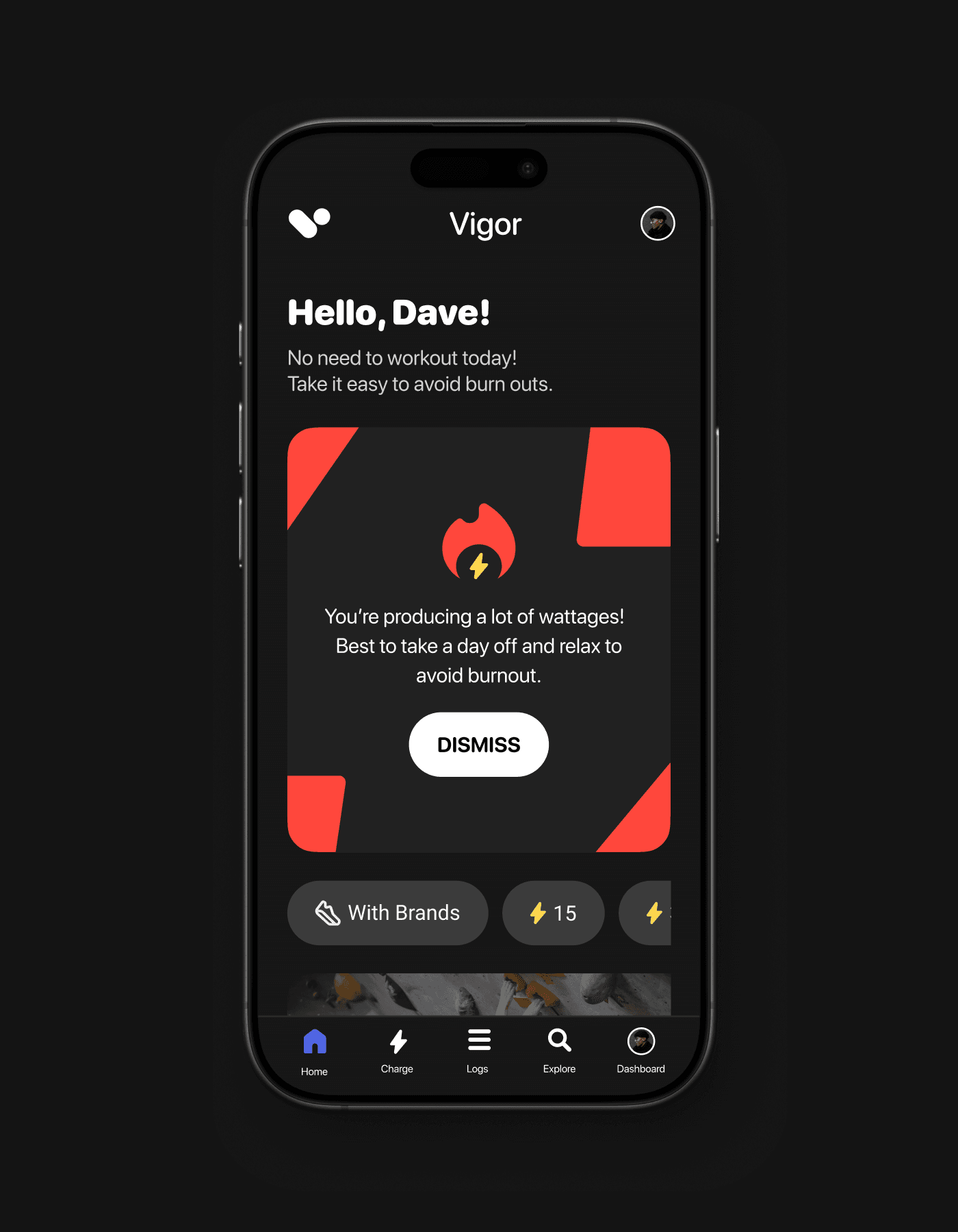
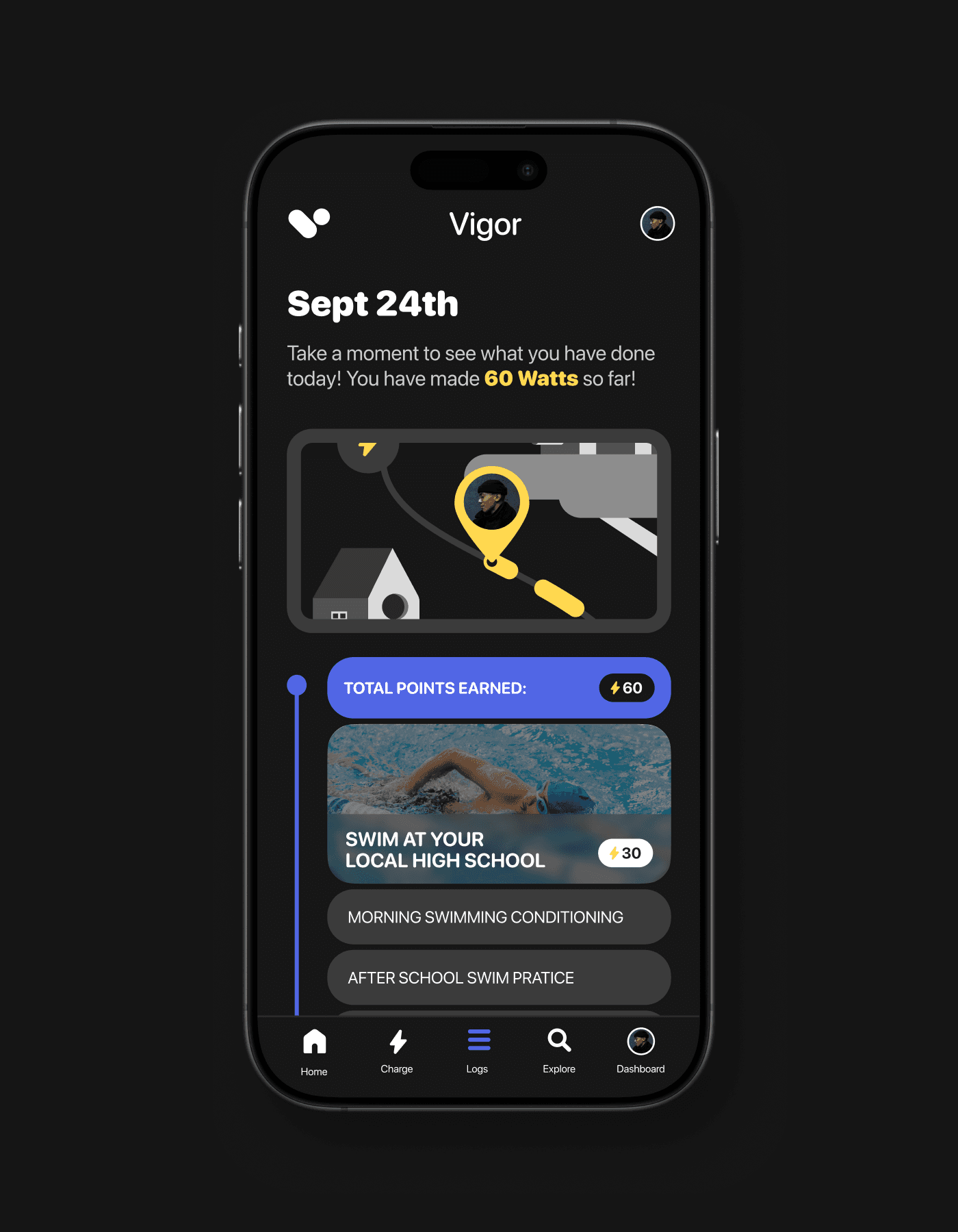
TALKING TO EXPERTS
I sat down with TunnelBear, a lead VPN service, to learn how they overcame a similar problem.
We narrowed our scope based on 3 key insights.
TunnelBear is partnered with McAfee, allowing us to draw on past explorations and high-level findings. We took note of shared problems and dived deeper into what explorations were abandoned and why, so we don't repeat the same mistake.
Our intention wasn't to imitate their product, but break down their approach into high-level themes we can explore when we design.
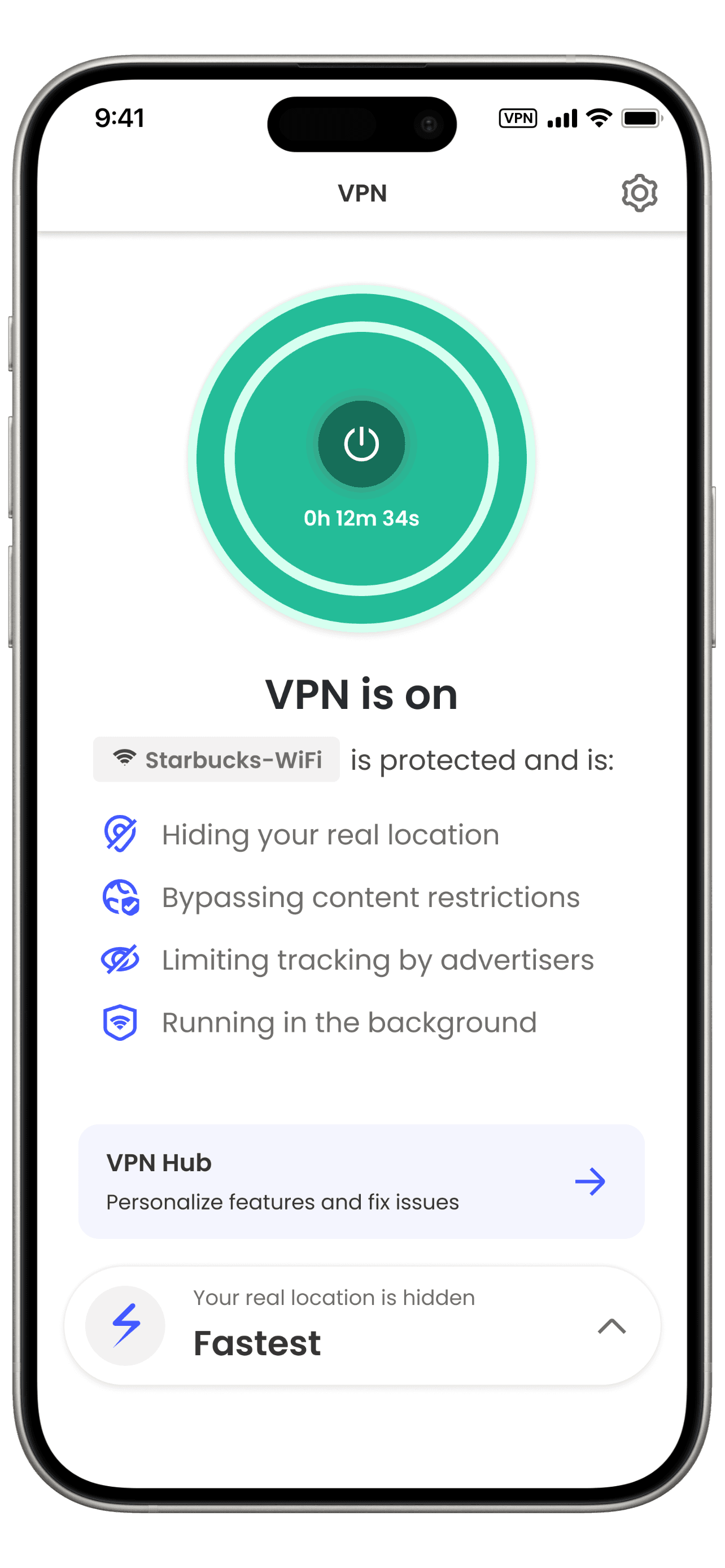
People need constant reassurance to know they're being protected. We accomplished this by animating our mascot bear to physically tunnel to a different VPN server and a big banner saying “You’re Safe”.
Visualize VPN working besides just being On? Pulsing lights, timer, movement?

When VPNs get marketed they don't talk about all the tools capabilities, leading to a mismatch in what a person expects it to do, vs what it actually can do.
Many think it's just for watching geo blocked Netflix…
Provide better education to what VPN is capable of, without too much technical jargon
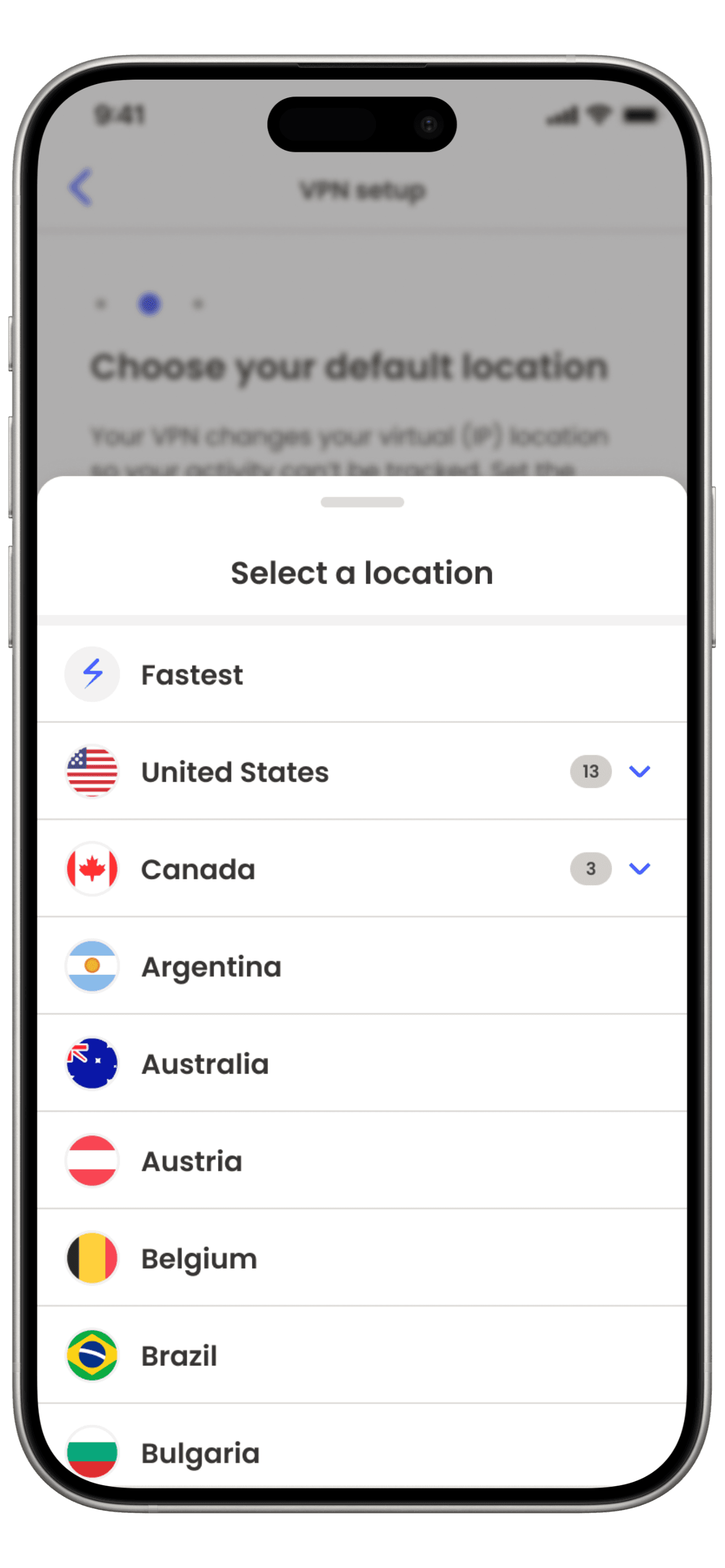
VPNs do more than flip ON/OFF. Server selection, Split tunneling, Kill switch, Auto-connect, DNS customization. Even if it's only popular for power users we need to make it accessible for them.
Personalize the VPN to our users needs (newbies and power users) by making it easier to find and set up advanced features like "split tunneling" or choosing trusted networks.
Going further
Side quest—Let's not make accessibility an afterthought
1/3
New users struggled to understand what a VPN does, and when to use it.
Unlike security software that shows what dangers they stopped, VPNs work by making you invisible to threats, making it difficult to show their value. Duis aute irure dolor in reprehenderit in voluptate velit esse cillum dolore eu fugiat nulla pariatur. Excepteur.

2/3
New users struggled to understand what a VPN does, and when to use it.
Unlike security software that shows what dangers they stopped, VPNs work by making you invisible to threats, making it difficult to show their value. Duis aute irure dolor in reprehenderit in voluptate velit esse cillum dolore eu fugiat nulla pariatur. Excepteur.

3/3
New users struggled to understand what a VPN does, and when to use it.
Unlike security software that shows what dangers they stopped, VPNs work by making you invisible to threats, making it difficult to show their value. Duis aute irure dolor in reprehenderit in voluptate velit esse cillum dolore eu fugiat nulla pariatur. Excepteur.


Early design planning
Group sketching clarified our components and layout.
I challenged my negative bias against sketching.
Sketching isn't normally part of my workflow, but it's a great tool to work more collaboratively with non-designers who aren't comfortable with Figma, letting everyone contribute their ideas.

Image
A few sketches that drove discussion
4 rounds of rapid sketches and wireframes.
This was important when helping our team align on the overall look and feel. After each round we voted on ideas that made the most sense and discussed how to combine or tweak those concepts into the final deliverable.
In the end, It clearly influenced our final designs. (compare below)
Interactive
V1 Sketch compared to final output
REFLECTION
Editing a CMS takes a ton of effort. It's best to plan in detail in the beginning, instead of iterating later on.
Everyone hates reading, but they love conversations.
Balancing what we as a business want users to know V.S what a user actually wants to know is a difficult line. This project helped me learn how to use metaphors on boring language into legible content.
Sketching is for starting discussions, not beauty contests.
I typically jump into higher fidelity, but if I need to align a team on layout and abstract concepts, I’m now confident in running a workshop to rapid-fire ideas and align stakeholders from other teams.
© 2025 Clayton Harding
Reading this was a test. You passed ツ